
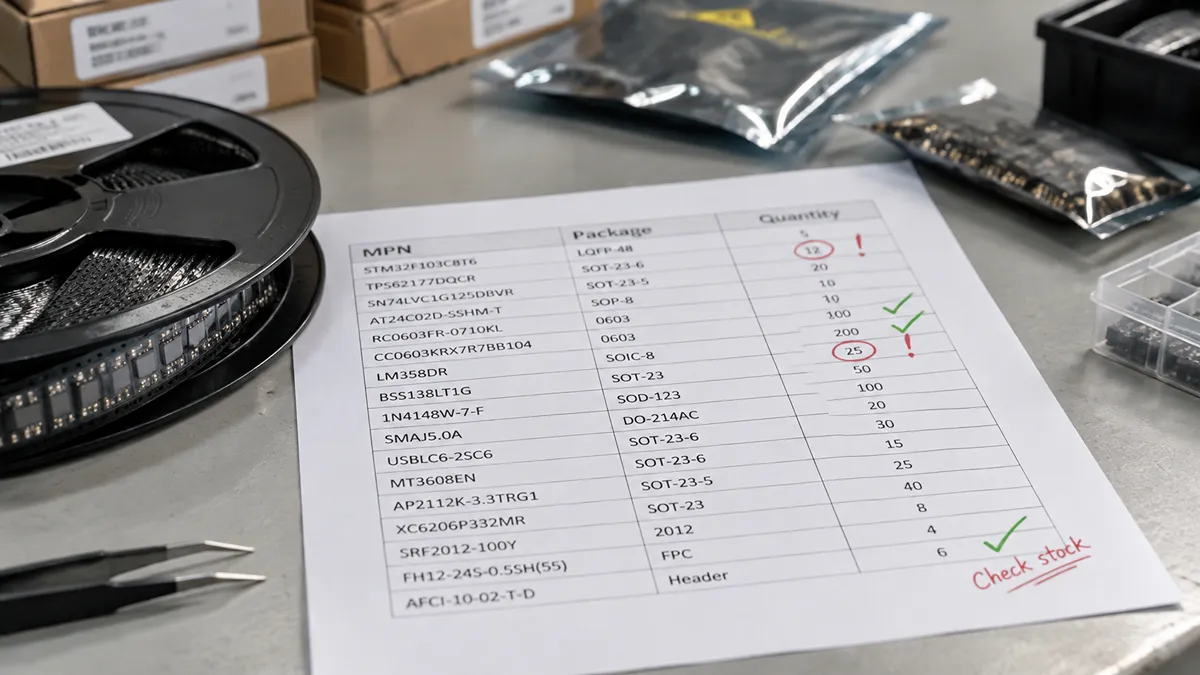
What Is a Bill of Materials in Electronics?
A BOM in electronics is the controlled list of every part, quantity, and identifying code needed to source and build an electronic product — usually a printed circuit board assembly, plus related modules and hardware. The rest of this guide covers the fields that make a bill of materials electronics file quotable, how EBOM and MBOM differ, and what distributors and assemblers check first.
Key Highlights
- An electronics BOM is a revision-controlled parts list tied to the schematic and layout, not a casual spreadsheet.
- A usable file needs MPN, reference designator, description, package, quantity, manufacturer, and realistic alternates on constrained lines.
- Teams keep different views of the same product: EBOM (design), MBOM (build), procurement BOM (buy), and service BOM (repair).
- Most quote delays come from missing MPNs, package/footprint mismatch, internal PNs only, or single-source parts already on allocation.
- Score lines red/amber/green before design freeze; in 2026, shortages are uneven, so one red line can hold the whole board.
- Send Excel or CSV with one header row and one MPN column, plus build quantity and need-by date.
Why the BOM Matters More Than a Parts Spreadsheet
A weak BOM does not only create paperwork. It creates the wrong reel on the feeder, a last-minute line-down buy, or a board that passes assembly and fails test.
Across a typical electronics program the same file is reused for several jobs:
- Design control. The BOM is the official component list that must stay aligned with the schematic and layout. If R12 is 10 kΩ, 1%, 0402 in CAD and 10 kΩ, 5%, 0603 in the spreadsheet, the assembler will follow one of them — and it may not be the one you qualified.
- Procurement. Buyers do not purchase “a 10k resistor.” They purchase a specific MPN, or a short list of approved MPNs, at a quantity that covers yield, setup waste, and the next build. Lead time, minimum order quantity (MOQ), and price breaks all hang off those lines.
- PCB assembly. The pick-and-place program, stencil plan, and incoming-material check all start from the BOM plus centroid/Gerber data. Package mismatches and missing designators are among the most common reasons a first article slips.
- Cost and margin. On many PCBAs, materials are the majority of unit cost. A costed BOM is how product managers see which five lines dominate the quote — often a power module, FPGA, connector, or a memory device whose price moved with the rest of the market.
- Supply-chain risk. In 2026, shortages are uneven rather than universal. Memory, selected automotive MCUs, and some high-end FPGAs can still sit on long allocation while commodity passives look almost normal. The BOM is the only place those different realities sit on one page. Scoring lines red / amber / green before a design freeze is more useful than adding blanket safety stock to every SKU.
Types of BOMs in Electronics
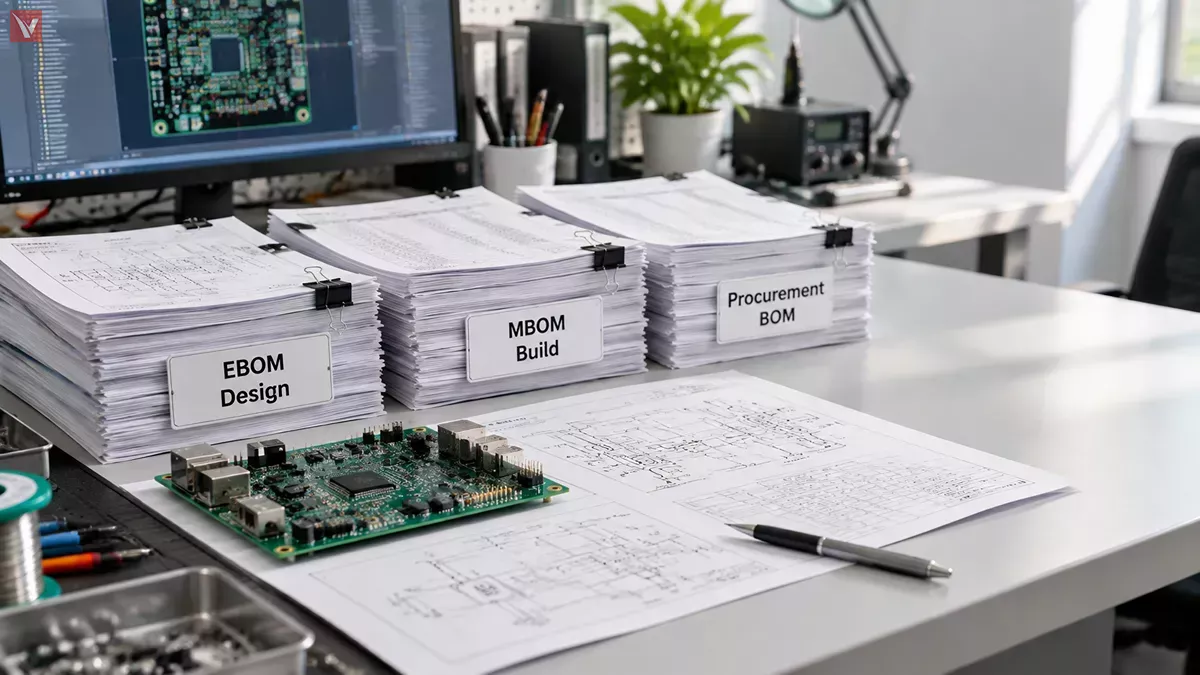
Electronics companies rarely keep a single BOM. Different functions need different views of the same product.
| Type | Who owns it | What it emphasizes | Typical extra fields |
|---|---|---|---|
| Engineering BOM (EBOM) | Hardware / CAD | Designed function and schematic intent | Designators, values, footprints, schematic notes |
| Manufacturing BOM (MBOM) | NPI / EMS | How the board is actually built | DNP flags, programmed parts, hardware, solder paste, labels |
| Procurement BOM | Purchasing / planner | What can be bought, from whom, by when | AVL, buyer MPN, lead time, MOQ, last price, date-code rules |
| Service / spare BOM | Quality / field | What can be replaced after shipment | High-failure parts, kits, firmware-compatible substitutes |
EBOM to MBOM is not a rename. The MBOM often adds items engineering never drew as symbols (thermal pads, standoffs, programmed MCU with a specific hex file) and removes items that are fab-only. If you send an unreviewed EBOM to an assembler and a distributor at the same time, you will get two different interpretations of the same product.
What a Complete Electronics BOM Contains
Field names vary by company. The content should not. The table below is the minimum set that lets a distributor quote and an assembler kit without a day of email.
| Field | Why it exists | Example |
|---|---|---|
| Item/line number | Stable reference in RFQs and ECOs | 14 |
| Reference designator | Maps the part to the PCB | U5, C12–C15 |
| Manufacturer | Legal source of the MPN | Texas Instruments |
| Manufacturer part number (MPN) | The only unambiguous buy code | TPS54331DR |
| Description | Confirms value and rating when the MPN is mistyped | 3.5–28 V, 3 A, SOIC-8 buck |
| Package/footprint | Prevents 0402 vs 0603 and SOIC vs TSSOP errors | SOIC-8 |
| Quantity per board | Drives kit size and placement count | 1 |
| AVL / alternate MPN | Keeps the line buildable when the preferred part is short | See approved second source |
| Lifecycle/notes | Flags NRND, last-time-buy, or programmed parts | Active; program with FW v2.1 |
| Customer / internal PN | Useful if your ERP does not store MPNs | 450-0188-01 |
Optional but high-value columns for production releases: RoHS/REACH status, moisture sensitivity level (MSL), preferred distributor SKU, target unit price, and a risk tag (single-source, long lead, automotive-qualified only).
A short sample BOM (illustrative)
| Ref | Mfr | MPN | Description | Pkg | Qty | Alternate |
|---|---|---|---|---|---|---|
| U1 | STMicroelectronics | STM32G474RET6 | MCU, 170 MHz, 512 KB Flash | LQFP-64 | 1 | Check AVL |
| U2 | Texas Instruments | TPS54331DR | Buck converter, 3 A | SOIC-8 | 1 | Pin-compatible family per note |
| C1–C4 | Murata | GRM188R71H104KA93D | 0.1 µF, 50 V, X7R | 0603 | 4 | Same value/dielectric/voltage, 0603 |
| R1 | Vishay | CRCW060310K0FKEA | 10 kΩ, 1%, 0.1 W | 0603 | 1 | Any AVL 10 kΩ 1% 0603 |
| J1 | JST | S2B-PH-K-S(LF)(SN) | 2-pin header, 2.0 mm | TH | 1 | None — housing/crimp must match |
This is deliberately simple. A smartphone, industrial controller, or AI accelerator board can run to hundreds or thousands of lines. The rule does not change: every unique MPN still needs a complete row.
How a BOM Moves From Schematic to Purchase Order
- Capture. CAD tools export an initial EBOM from the schematic. Treat that file as a draft, not a release.
- Clean. Engineering checks designators against the layout, kills unused variants, and marks DNP parts.
- Qualify. Component engineering adds approved manufacturers, confirms footprint vs package, and records second sources where the design allows it.
- Validate supply. Purchasing or a distributor reviews lifecycle, lead time, and whether the MPN is actually orderable in the required date-code and packaging (cut tape, reel, tray).
- Release. The controlled revision is sent with Gerbers, centroid, and assembly notes.
- Execute. Quotes, POs, incoming inspection, and SMT setup all lock to that revision. An ECO that changes one MPN must change the BOM revision at the same time.
Skipping step 4 is how teams discover at kit date that the “active” MPN has been NRND for two years, or that the only stock in the market is an unacceptable date code.
What Distributors and Assemblers Look for First
When an independent distributor opens a BOM, the first pass is not a price exercise. It is a completeness and risk pass.
Lines that quote quickly
- Full MPN, not a generic description
- Package that matches a standard footprint
- Quantity and target date
- At least one realistic alternate on constrained parts
- Clear note on programmed devices, matching, or automotive/medical grade
Lines that stall the RFQ
- “10k 0402” with no manufacturer
- Internal part numbers only
- Mixed revisions in one sheet
- Connectors specified by series but not by exact housing and contact
- Power modules or FPGAs with no acceptable substitute path and no forecast quantity
- “Or equivalent” with no electrical or footprint rules
Assemblers add another filter: can this kit be placed? A correct MPN in the wrong package, a missing polarity note on a tantalum, or an unstated firmware version will stop the line even if every part is in the warehouse.
Common Problems With Electronics BOMs
Incomplete identification. Description-only lines force the supplier to guess. Guesses become wrong reels.
Package and footprint drift. 0402 vs 0603, WSON vs SOIC, and “same function, different pinout” are classic first-article failures.
No alternates on the lines that need them. Commodity chip resistors rarely need a dual source. A mature-node MCU, a specialized power stage, or a long-lifecycle analog part does.
Lifecycle ignored. NRND and last-time-buy notices do not always reach the CAD library. The BOM is where that gap becomes expensive.
Data silos. Engineering’s spreadsheet, purchasing’s ERP item, and the EMS kit list diverge after the second ECO. The released BOM revision is the only version that should be quoted.
Costed vs uncosted confusion. An engineering BOM has no price. A quotation BOM must, or the project cannot decide whether to dual-source, redesign, or accept the lead time.
How to Prepare a BOM That Can Be Sourced in 2026
Market conditions change by category. The preparation method does not.
- Export from CAD, then edit in a controlled sheet. Do not send a raw tool dump that still contains unused variants and schematic-only placeholders.
- One MPN per line unless the line is a documented AVL group. If three manufacturers are approved, list them as alternates, not as three competing “preferred” parts with no rule.
- Put the package in its own column. Do not bury “0603” inside a long description.
- Mark DNP, programmed, and matched parts in notes. These are the lines that create scrap when they are silent.
- Score risk before you freeze the design.
- Red: single-source, already allocated or EOL, long qualification path (AEC-Q, medical, industrial).
- Amber: multi-source on paper, but package or firmware qualification will take weeks.
- Green: commodity, several assemblers, short published lead time.
- State the build quantity and need-by date. A 25-piece prototype and a 5,000-piece run are different sourcing problems.
- Keep a revision history. Date, author, and what changed. Distributors and EMS houses will ask.
This is the same logic used when planning around uneven 2026 availability: split the BOM by risk instead of inflating every safety stock number.
Best Practices for Managing an Electronics BOM
- Treat the BOM as a controlled document, not a side spreadsheet.
- Align EBOM, MBOM, and the procurement view on a shared item master wherever possible.
- Review AVL parts on a schedule, not only when a line goes short.
- Record why an alternate was approved (pin-to-pin, firmware-compatible, derated).
- When you send the file for quote, send the current revision only, in Excel or CSV, with MPNs in a single column that does not contain merged cells.
- After each ECO, re-quote the changed lines. Do not assume last quarter’s price and lead time still hold — especially on memory, power, and constrained MCUs.
Submitting a BOM for Availability Review
VIGOR COMPONENTS reviews customer BOMs as sourcing documents: MPN completeness, package consistency, lifecycle flags, and whether a constrained line has a workable alternate. The goal is not to rewrite the design. It is to tell you which lines can ship, which lines need a second source, and which lines will set the schedule for the whole assembly.
If you already have a release candidate, submit the file through the BOM request page with quantity and target date. For context on how shortages show up inside a BOM rather than as a single industry index, see our 2026 component shortage outlook.
Frequently Asked Questions
What is a BOM in electronics in one sentence?
It is the official list of parts, quantities, and identifying data required to source and assemble an electronic product, usually a PCB assembly.
Is a bill of materials the same as a parts list?
A parts list can be informal. A production BOM is revision-controlled and must be reconcilable with the schematic, layout, and purchase orders.
What is the difference between an EBOM and an MBOM?
The EBOM describes what was designed. The MBOM describes what is purchased and built, including hardware, programmed devices, and items that never appeared as schematic symbols.
Do I need alternates on every line?
No. Prioritize alternates where a stock-out stops the board: controllers, power devices, specialized analog, connectors with unique footprints, and anything already NRND.
Which file format should I send?
Excel or CSV with one header row and one MPN column is still the fastest for quoting. PDF BOMs slow every supplier down.
Why did two suppliers quote different line counts on the same BOM?
Usually DNP lines, hardware not on the EBOM, or duplicate designators. Clean the file before you send it.
Can a distributor quote from descriptions only?
Sometimes for trivial passives, and almost never for ICs, power modules, or connectors. Missing MPNs produce delays or the wrong part.